Insight • Brand strategy
Brand Kit Workflow with AI
A repeatable workflow to build and maintain a brand kit.
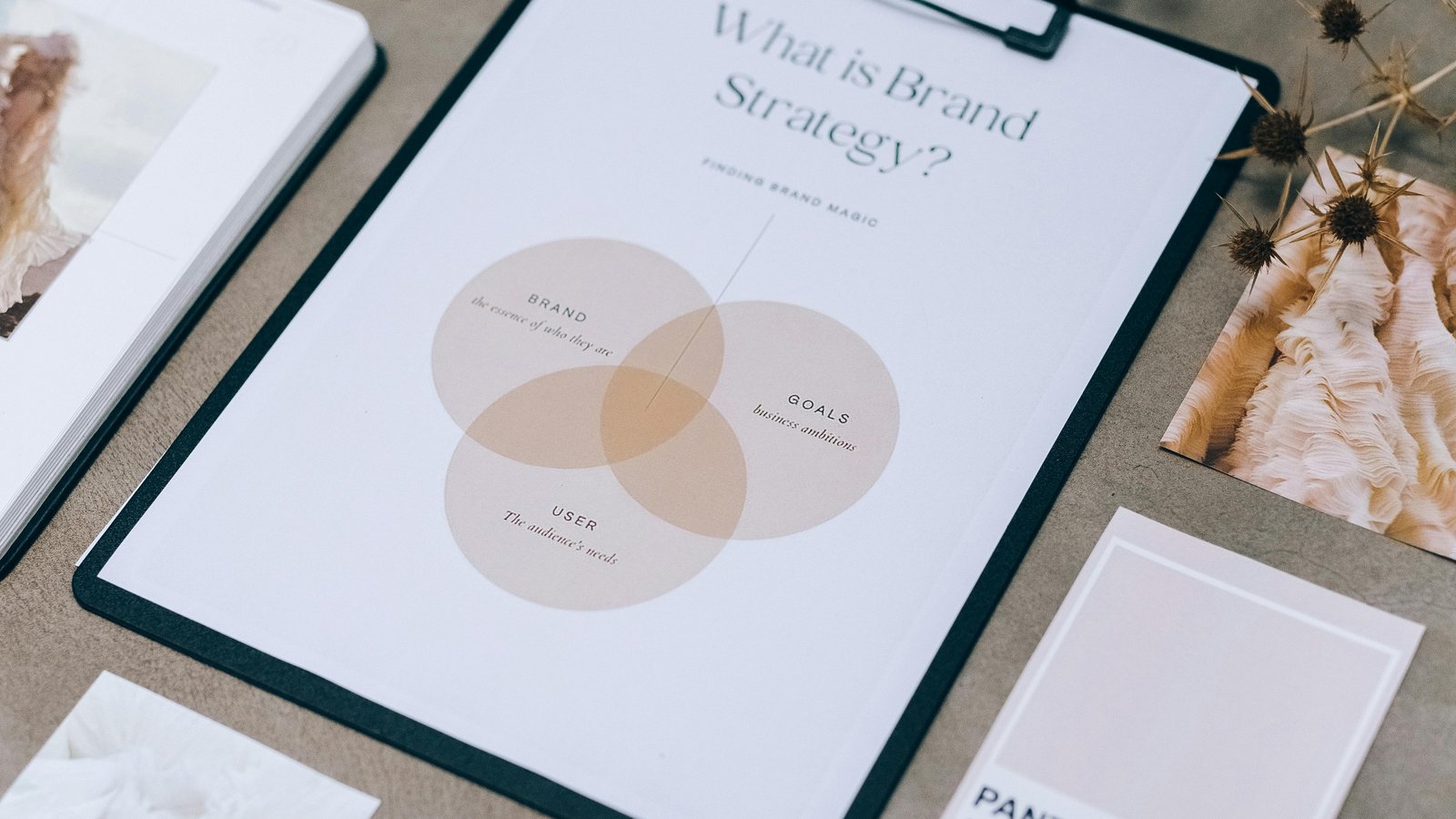
We help teams turn insight into action with clear plans, templates, and delivery support.
A brand kit is the set of assets and rules that keep work consistent: logo usage, typography, color, voice, components, templates, and examples. Most teams build a kit once and then watch it drift. New templates get created without guidance, campaigns introduce new styles, and the "official" deck becomes a museum piece.
AI can help maintain a brand kit, but only if it's used as part of a workflow with owners and review steps. This article outlines a repeatable system that keeps the kit useful as the team grows.
Also check out this guide on integrating AI art tools into real-world workflows
What a brand kit should contain
Before AI enters the picture, define the kit's structure. A clear table of contents makes it easier to update, and it makes it easier to prompt against.
Core sections
- Positioning: who you're for, what you do, what you don't do
- Voice: tone, phrases you use, phrases you avoid, examples
- Visual identity: logo rules, colour palette, type system
- Components: buttons, cards, spacing, layout rules
- Templates: slides, docs, social, email headers, landing sections
- Quality checks: accessibility, image usage, consistency checklist
Where AI helps (and where it doesn't)
AI is strong at drafting and organising. It's weak at making final taste decisions without inputs. Use it to reduce grunt work, not to replace judgment.
Good uses
- Drafting first-pass copy guidelines based on existing materials
- Turning messy notes into a structured "Do / Don't" list
- Creating a checklist for reviewing new templates
- Generating variant headlines in your established voice, for a human to refine
Risky uses
- Inventing a voice without examples
- Defining visual identity without a design lead to curate
- Producing final policy language without review
A repeatable workflow
This workflow is designed to run in small cycles. The key is that every cycle ends with something real: an updated section, a new template, or a clarified rule.
Step 1: Collect inputs
Gather the materials that represent the brand as it exists today: the current website, pitch deck, top-performing campaigns, and any internal docs. If the input is weak, the output will be generic.
Step 2: Write a "brand brief" prompt
Create one reusable prompt that frames the brand. Include audience, positioning, tone, and constraints. Keep it stable.
- Audience: who reads your content
- Goal: what the content should cause the reader to do
- Tone: descriptive words and example sentences
- Constraints: terms to avoid, claims you don't make, formatting rules
Step 3: Draft kit sections with AI
Use the brand brief prompt as context, then ask for one section at a time. For example: "Create the Voice section with Do/Don't and 10 example lines." Keep requests narrow so the editor can review quickly.
Step 4: Human edit + examples
The kit becomes useful when it includes examples. AI can propose examples, but humans should rewrite them to sound real. Add:
- A "good" example that you'd publish
- A "bad" example that illustrates what to avoid
- A short note explaining why
Step 5: Template QA
Every template should come with a check: spacing, contrast, type sizes, and how it behaves on mobile. Your kit should include a simple QA checklist.
Step 6: Make it discoverable
A kit that can't be found won't be used. Put it where new hires and collaborators will look first, and link to it from your project onboarding.
How to keep the kit alive
Maintenance is easier when the kit has an owner, a schedule, and a clear definition of "done". We recommend a lightweight monthly review:
- Review new assets created in the last month
- Update the kit with any new patterns worth keeping
- Remove or deprecate templates that aren't used
- Confirm accessibility baselines are still being met
Versioning, naming and handover
A brand kit fails quietly when assets can't be found or when the team can't tell which version is current. You don't need complex tooling to fix this - you need predictable conventions.
Simple conventions that reduce chaos
- File naming: use a consistent pattern like
brand_component_variant_v1and keep it the same everywhere. - Single source: declare where the "official" templates live (and discourage copies that drift).
- Change log: a short page that lists what changed and why.
- Deprecation: mark old templates as "do not use" rather than leaving them to be rediscovered.
Using AI inside the kit workflow
AI is most useful when it accelerates predictable tasks and when edits are captured as learnings. A few examples:
Voice and messaging
- Generate headline variants for a specific page goal, then select and rewrite the best two.
- Turn long-form notes into short "Do / Don't" guidance with examples.
- Create microcopy variants for forms, empty states and error messages.
Template documentation
- Draft a usage note: "When to use this template, what content it needs, what to avoid".
- Generate a checklist for QA: spacing, contrast, type sizes, and mobile behaviour.
The key: treat AI output as a draft and keep a human editor responsible for final wording and examples.
Onboarding and adoption
A kit that isn't taught won't be used. Add a short onboarding routine:
- New collaborators review the kit contents in 15 minutes.
- They build one small asset using the templates (a slide, a social tile, a page section).
- Someone reviews it against the kit checklist and captures any missing guidance.
This turns the kit from a document into a shared habit.
What to do next
If you want help turning a brand into a usable kit, explore our services or contact us with the current assets you have. We can help define the kit structure, create the templates, and set up a workflow your team can maintain.
Related reading
Related services: Brand & web delivery